Listing Events
Access to list events is by the "Events" menu in the left hand side of the main navigation as shown beneath:
 The Events listing screen shows all events in the system organised by:-
- Planning Board - the board the event belongs to
- Label - the label of the event
- Type - the type of event
- Start/End Dates and Times - timing details
- Number of employees assigned
- Number of vehicles/plant assigned
- Number of pieces of equipment assigned
You can view detailed event information by clicking on an event row.
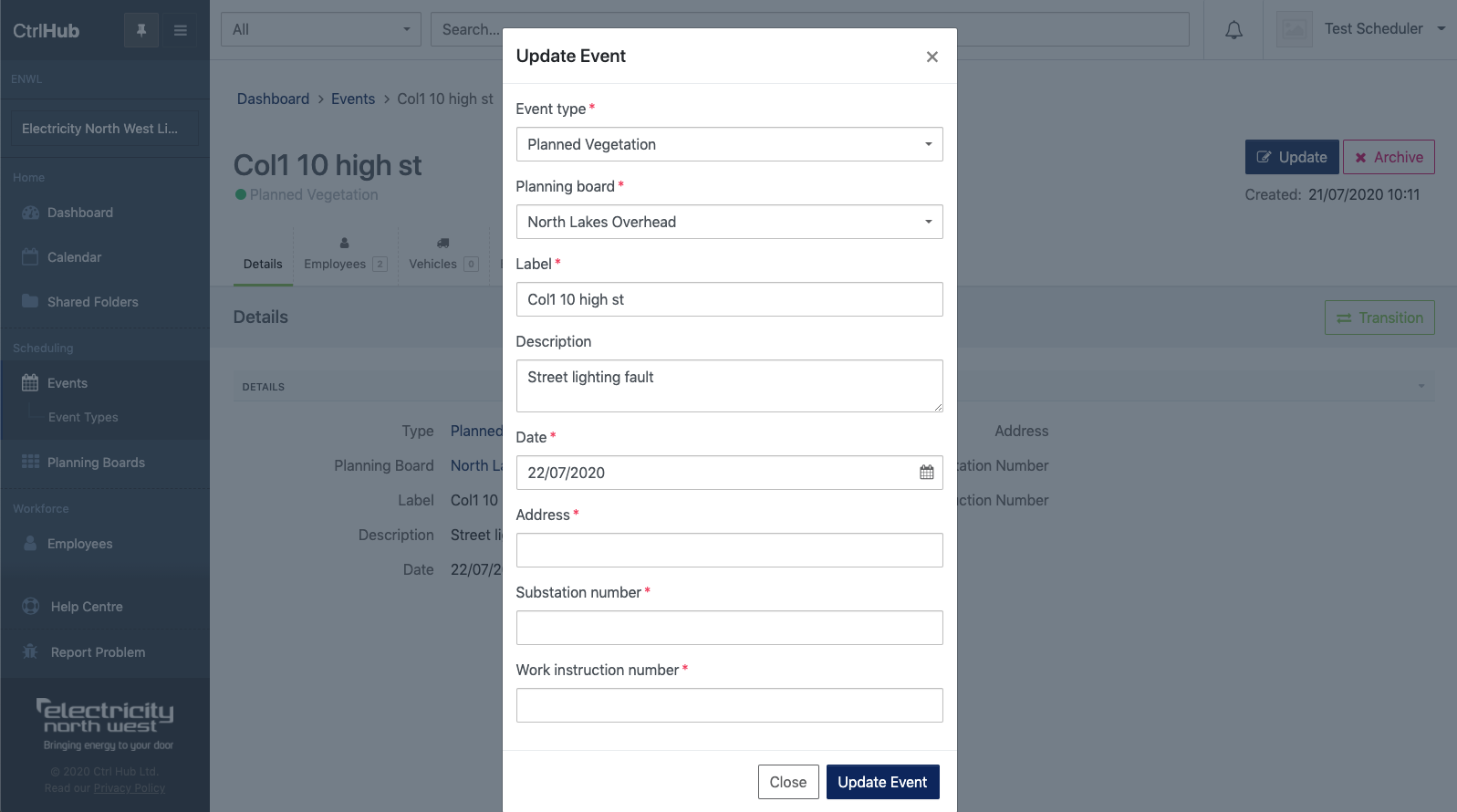
To modify core event details click "Update" as shown beneath.
 You'll then see the core fields including timing and any planned event fields available for update as shown beneath: