Updating Events via Planning Boards
With a planning board open, you can modify existing events in the following ways:-
- Use Mouse to Adjust Start Date - Resize event from beginning - this will have the effect of updating the event's start time
- Use Mouse to Adjust End Date - Resize event from the end - this will have the effect of updating the event's end time
- Use Mouse to Drag entire event - the event can be dragged onto another team's row
- Double click event - modify timings and other date via the popup lightbox for each event as follows:
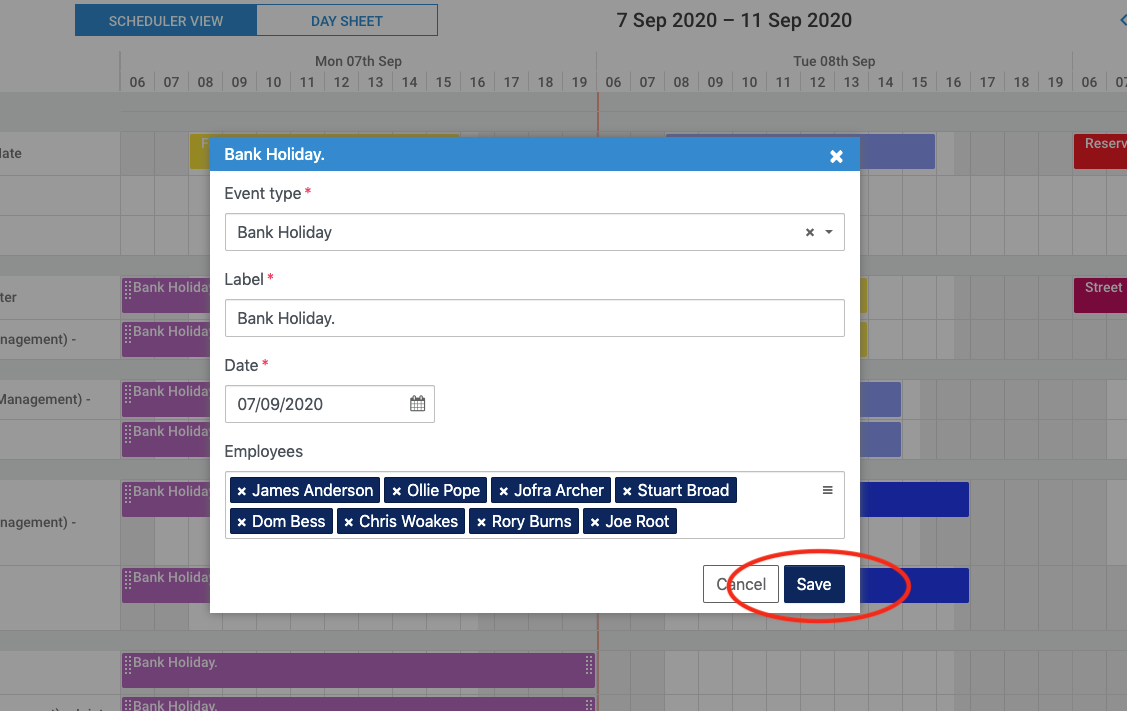 Clicking Save as shown above will save the event details and the board will update in real time, along with any reports.
 Clicking Save as shown above will save the event details and the board will update in real time, along with any reports.