Creating Events Manually
There are three ways you can create events within the Scheduling system - bulk import, manually and via planning boards.
This article concerns creating events manually.
To begin creating an event manually, click the "Create Event" button from the Events listing page.
 The first field to complete is the Event Type - upon event type selection the form is built according to the Event Type configuration.
 Upon selection of an Event Type the form is built and can be completed in order to create the event in the system.
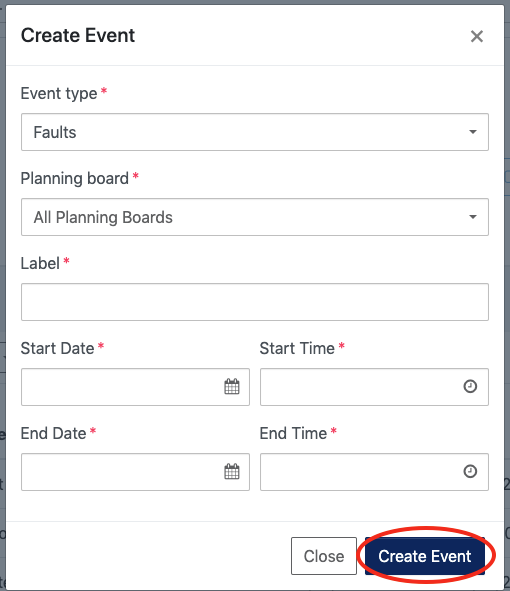
Simple Event Types - such as RDO/Holidays will collect a smaller number of fields. See below for an example of a Simple Event Type of Faults:
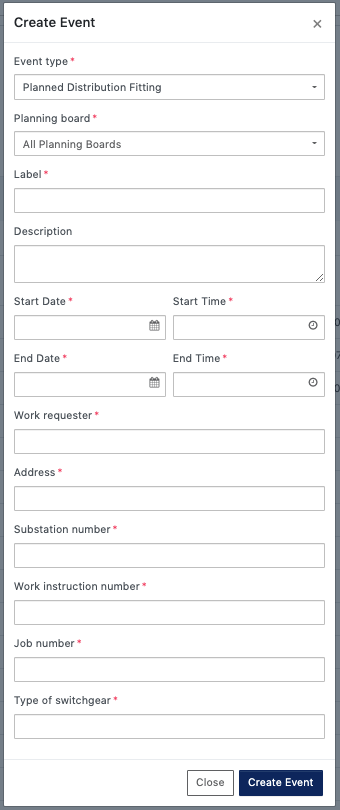
Planned Event Types - these will collect nearly all of the available fields. See below for an example of a Planned Event Type of "Planned Distribution Fitting":
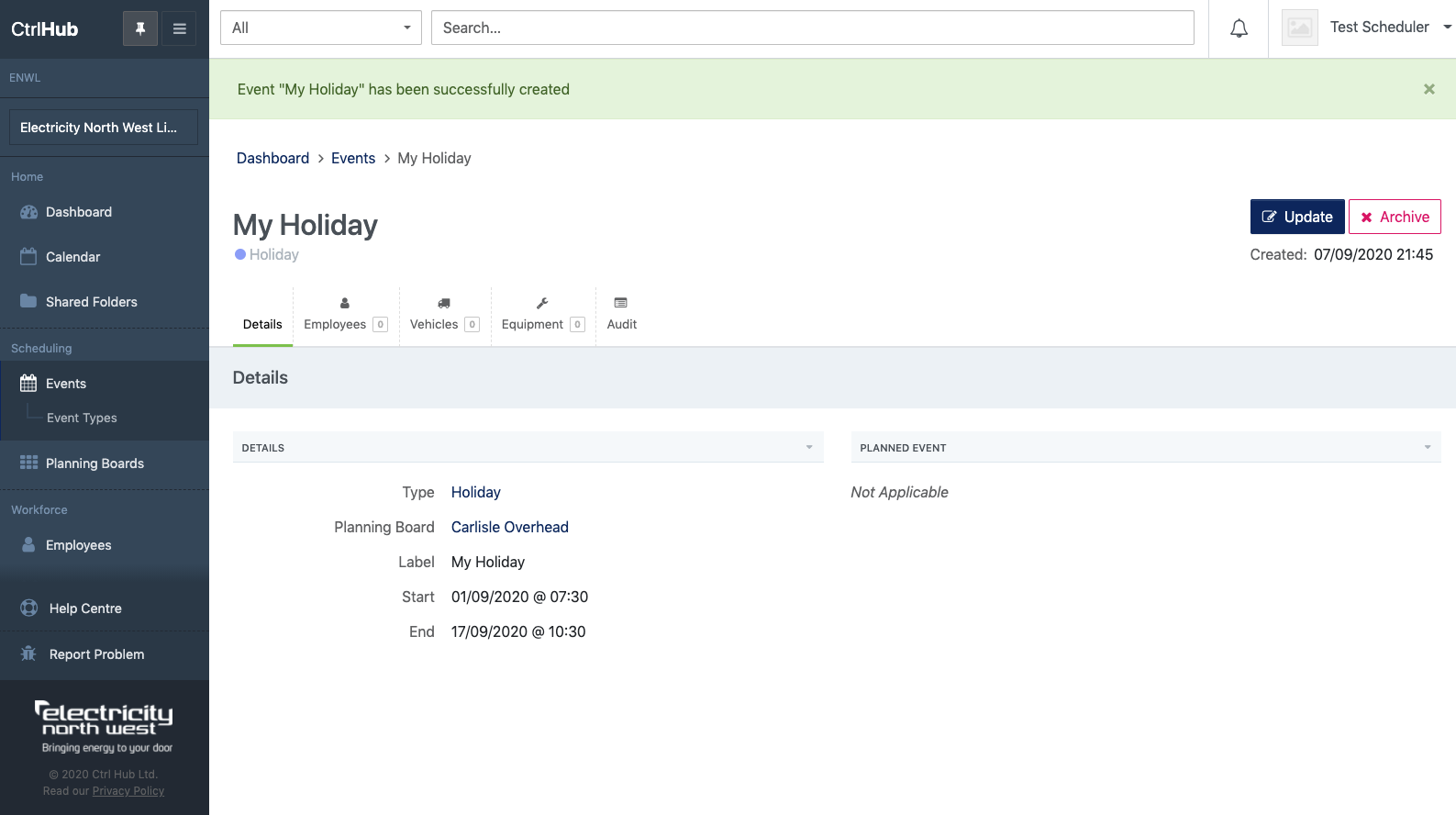
Once the event has been created successfully you will be taken to the event detail page and able to start assigning resources to it.